
SpaciousCompact
One page. All your possibilities.
HereNook
Your work, socials, useful details and ways to get in touch, together on one beautiful page. A little corner that feels like you. A link worth sharing.
See a Nook at work.
Our most-watched reels from @goherenook. Short stories about small businesses and the little page that helps them.
More than a list of links.
Why HereNook exists.
6 simple steps
Step 1: Beautiful isn’t the problem.
Even the loveliest websites go out of date. Not because of the design, but because they were never built to be useful.
Step 2: Every useful thing costs extra.
A contact form, social feeds, a gallery you can update, bookings, a little shop. Each one costs extra to build, then extra to keep running. So most small businesses never get a page that stays current and grows with them.
Step 3: And a website is never done.
Content updates, security patches, SEO. The list never ends.
Step 4: A link in bio isn’t a website.
It points people somewhere. It can’t answer their questions, take a booking or show off your work.
Show all 6 stepsShow fewer
Step 5: A Nook does both jobs.
Your link in bio and a useful, working page in one place. Easy to keep current from your phone, at a fraction of the cost.
Step 6: Plus the little extras.
A free, beautiful QR builder, a link shortener, your Nook on your own domain, a mobile Wallet pass, Save contact, and Insights that show what people tap.
Take a little look around.
Claim your Nook
Try everything free for a month, and keep a basic Nook free after that.
Discover HereNook
Meet your own little corner of the internet.
See what a Nook can do
Pages, Nooklets, thoughtful sharing and beautiful QR codes.
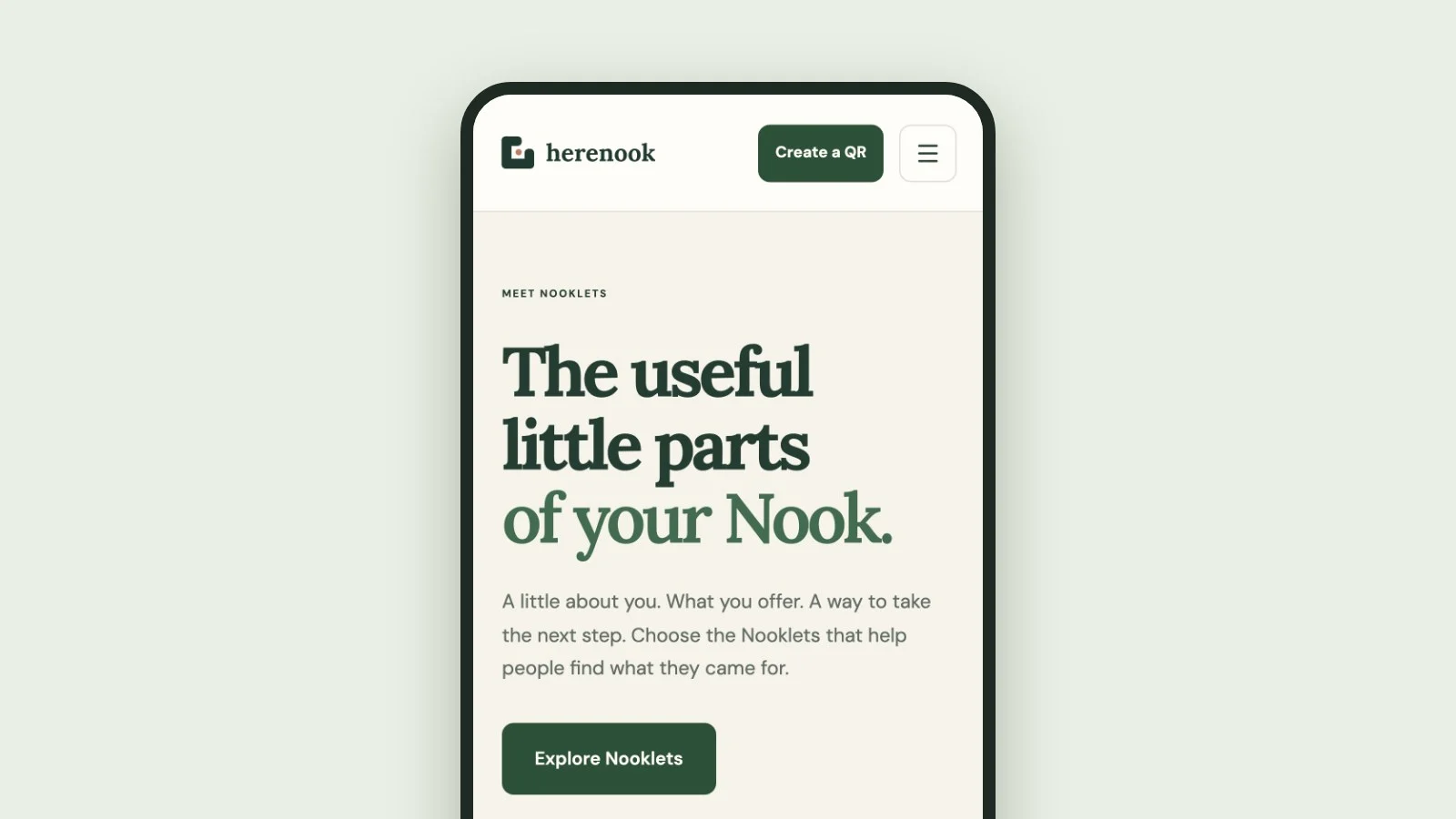
Meet the Nooklets
The building blocks of every Nook: booking, guided chat, menus, galleries, feeds and more. Pick the ones your business needs.
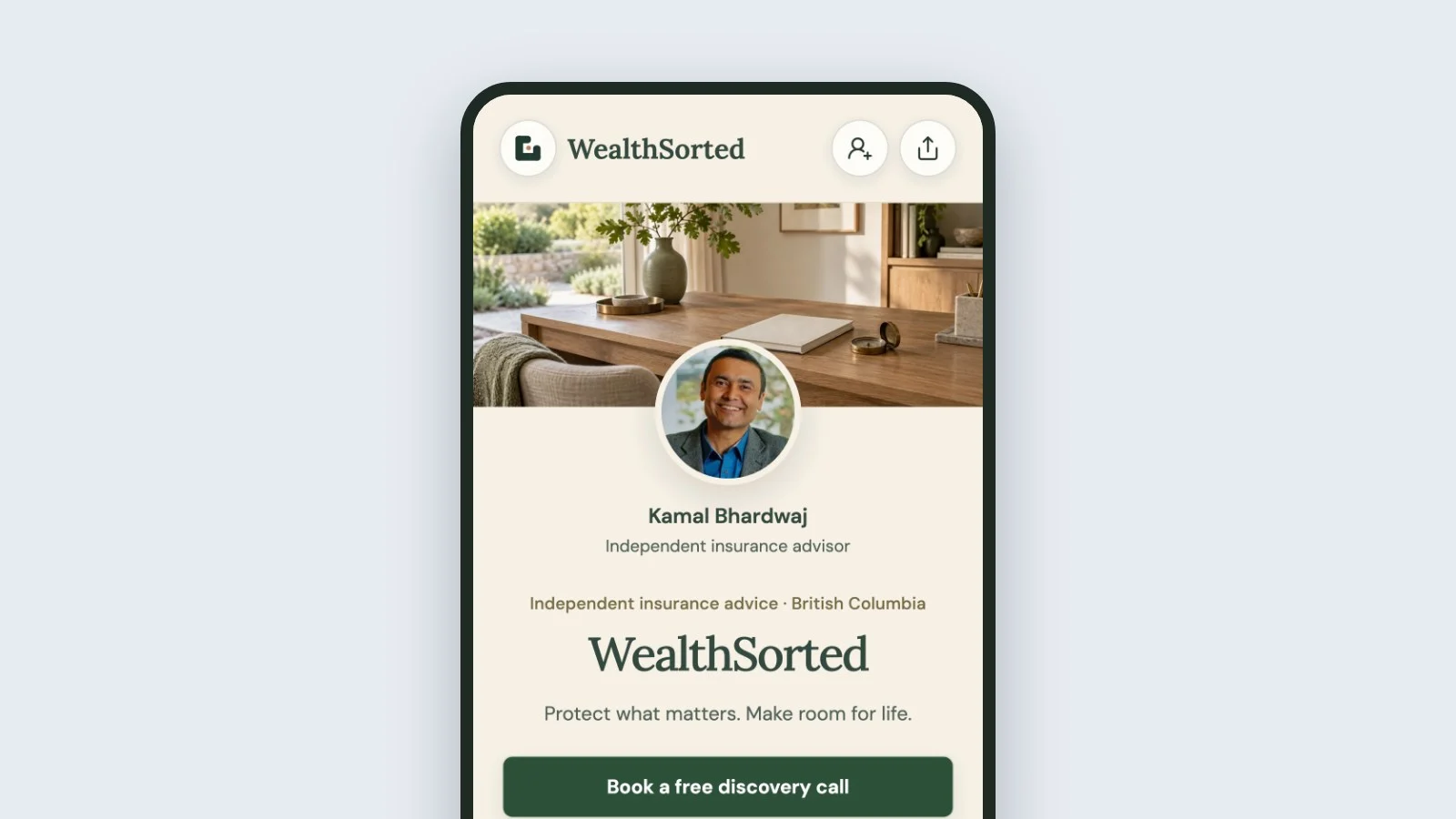
Step inside WealthSorted
Kamal’s independent insurance-advice Nook: guides, videos and a guided chat that starts the right conversation.
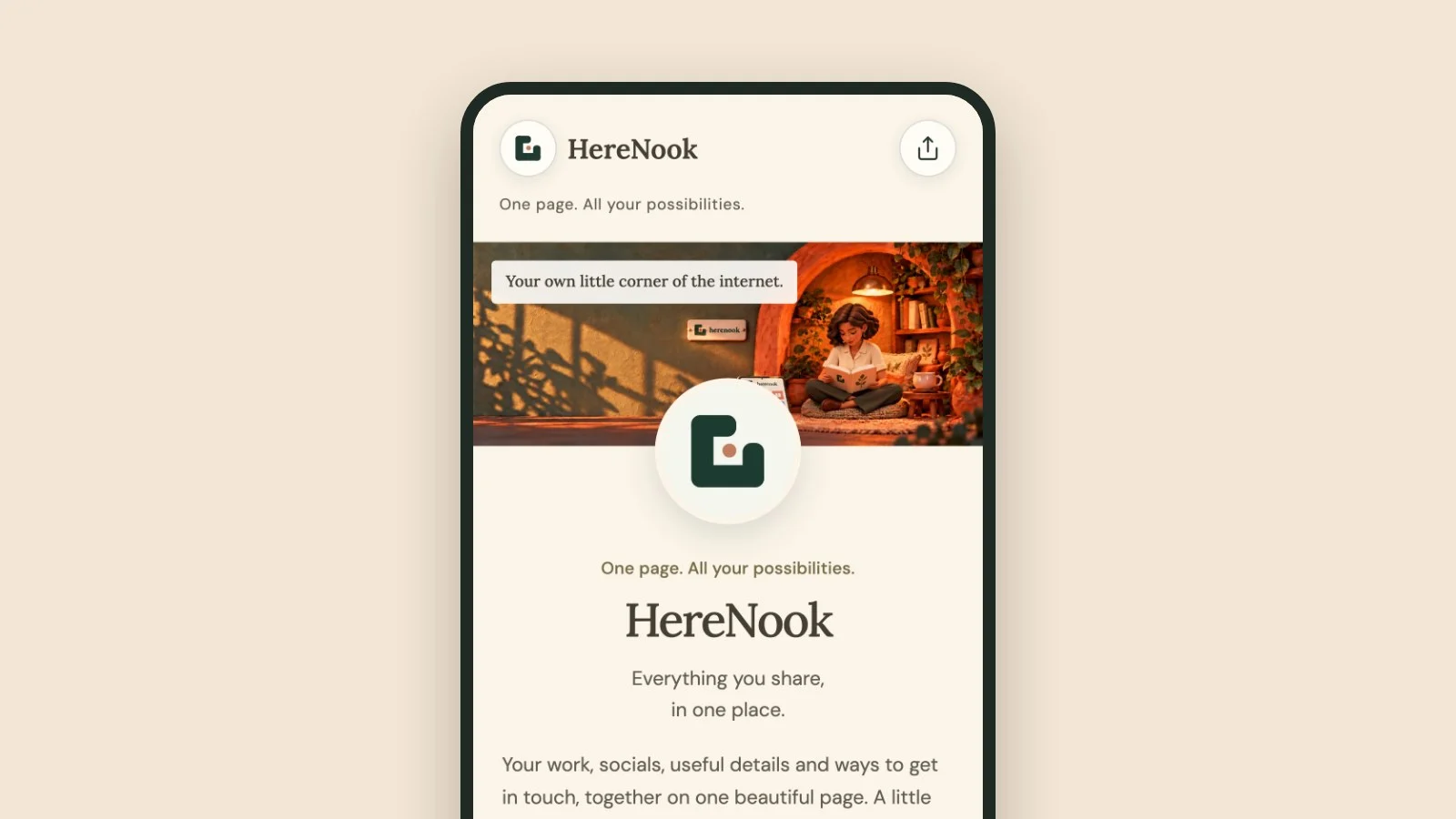
Step inside HereNook
Our own Nook. You’re standing in it: reels, answers and a demo you can book.
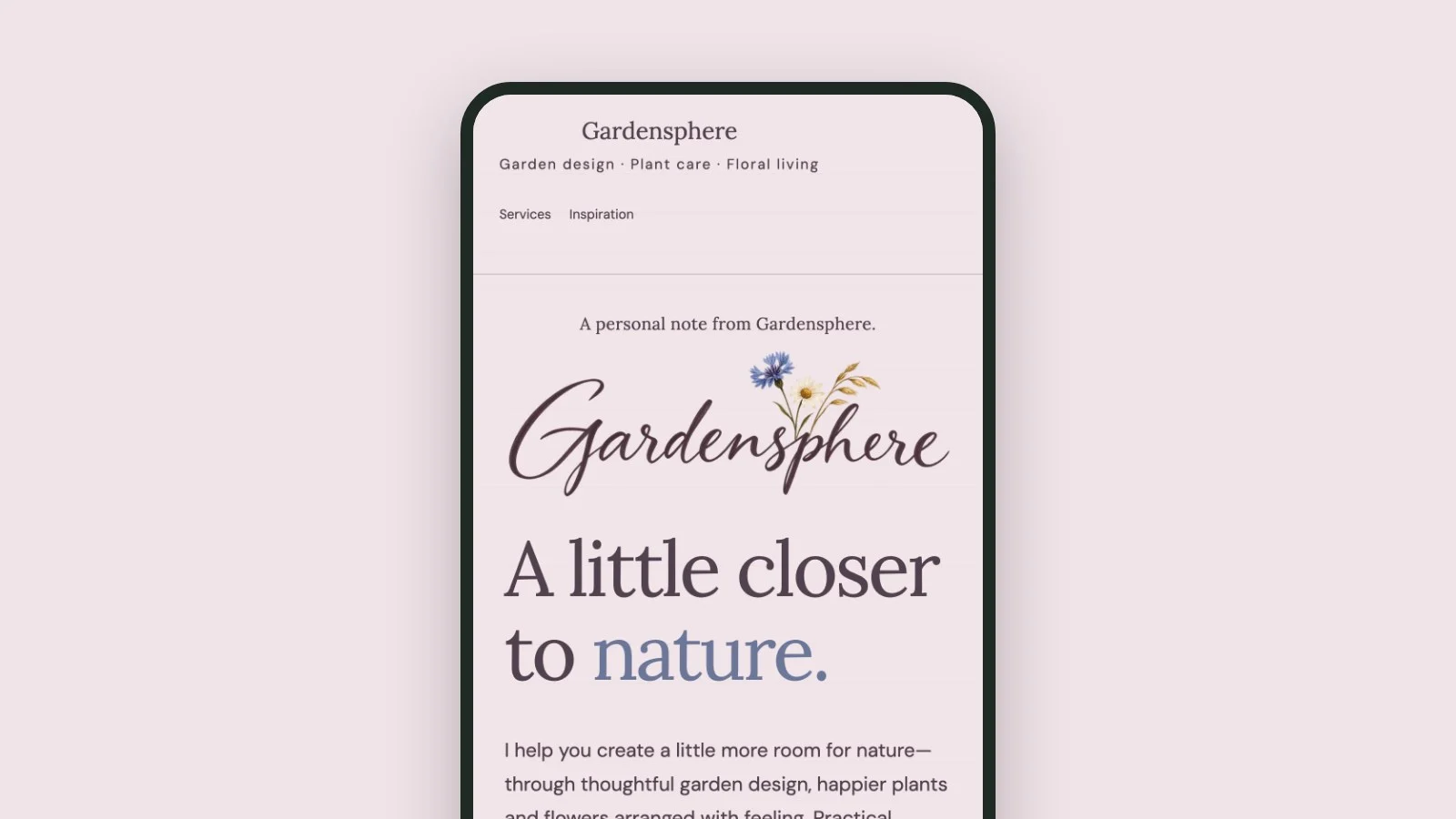
Step inside Gardensphere
Neha’s garden, plant-care and floral consulting Nook, in our Botanical Notebook design.
A few little things to know.
Your next chapter starts with a little Nook.
4 common questions
Do I need a website?
No. Your Nook brings the things people need into one place, with one link to share. Keep using the tools and services you already love.
What can I put on my page?
Start with who you are and what you do. Add useful links, your work, services, menus, bookings or the details people keep asking for.
Can I show my reels and videos?
Yes. Upload a reel or a video straight to your Nook, or link one from YouTube or Vimeo. Tall reels play upright on phones. Video uploads are part of Essentials and of your free month.
Can I try HereNook?
Yes. Try everything free for a month, and keep a basic Nook free after that. Claim your Nook at herenook.com/launch. Features vary by plan.
Read all our FAQs
Plans, Nooklets, domains, QR codes and more, answered.
Book a demo
See open times and book here
Do you really need a website?
Five quick questions. An honest answer. No sales pitch, promise.
Say hello
A question, a thought or a business you’d love to give a Nook? We’re listening.
We usually reply within a day.Send us a note